AV, lighting & audio production

AV Rental Software for Lighting, Audio & Event Production

RentalPoint helps AV rental, lighting, audio and event production businesses manage equipment, crew, quotations and logistics in one software platform. Build complete packages, allow time for preparation and keep each job visible from first inquiry through final return.

Explore AV rental features
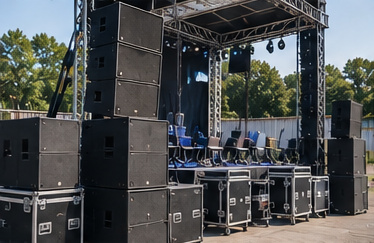
PA speakers, flight cases and an empty stage prepared for an event
Equipment and crew in one production planFrom technical brief to final return
Optional Online Rental Store - Take rental bookings 24/7

Built around professional AV operations

Audio visual rental software with production detail

RentalPoint supports professional lighting and sound rental, audio visual hire and production companies. Create quotes and orders quickly from equipment, crew and logistics requirements, then send quotes and contracts immediately for client review. Keep sales, warehouse, technicians and accounts working from the same production record.

Keep systems and components together

Organize PA speakers, mixing consoles, microphones, stage lights, projectors and screens as products with individual assets, alternatives, components and accessories. Required component prompts help operators include cables, stands, control equipment and other details needed for a complete production package.

Schedule equipment across show dates

Check real-time equipment availability across the show schedule to help avoid overbooking shared systems. Use preparation and de-preparation time for warehouse build and test periods. Multiple breakouts can reserve equipment and crew for different sessions, rooms or days within the same production.

Assign and price crew

Schedule qualified technicians by assignment and task. Apply hourly, daily, overtime and minimum-shift rules, then let freelance and in-house crew accept jobs and record start and finish times through the technician portal.
Connected operations

Handle shortages without losing control

Production rental software needs to respond quickly when demand changes.

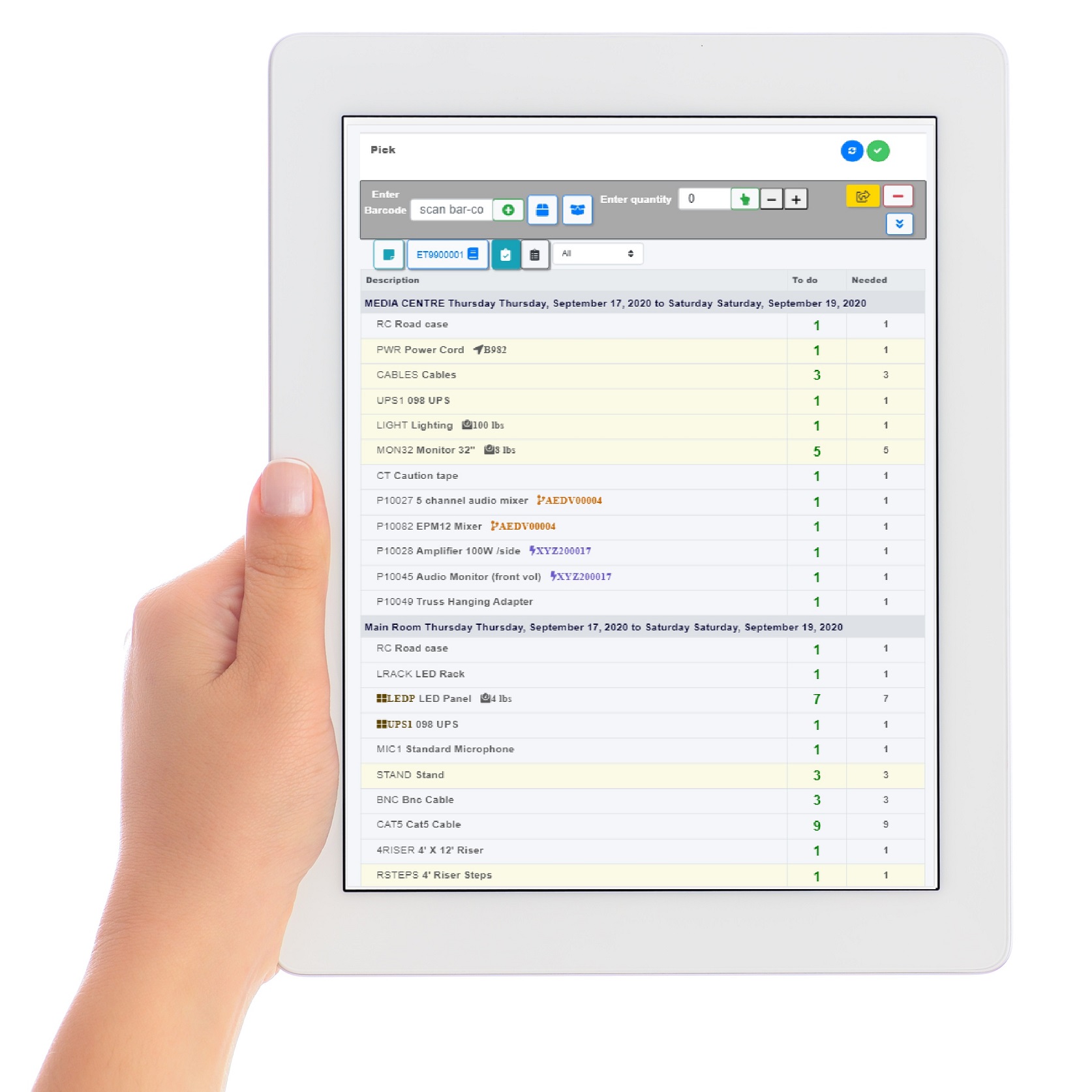
RentalPoint electronic pick list shown on a tablet with example event equipment
RentalPoint electronic pick list
  • Select product alternatives where an equivalent item can meet the brief.
  • Create cross-rentals from other suppliers when internal stock is short.
  • Raise purchase orders for additional assets or services in Professional Edition.
  • Transfer inventory between branches with the Multi Location add-on.
  • Use booking statuses to protect likely jobs without treating every quote as fully confirmed.
  • Apply quick turnaround rules when an early return can resolve a shortage.

Your rental workflow

From technical brief to tested return

01

Design the system

Build a quotation with equipment, components, crew, freight and commercial terms.

02

Reserve the production

Allocate assets, breakouts and technicians across the show schedule.

03

Prep and deploy

Use electronic pick lists, barcode scanning and delivery instructions to move complete systems.

04

Close the job

Check gear back in, record maintenance issues, finalize crew hours and invoice the client.

Lighting, audio & production

Lighting and audio rental software for live productions

Support equipment rentals and production jobs with workflows for the gear you supply and the people who prepare it.

Lighting rental companies

Plan stage lights, control equipment, cables and stands as complete equipment packages. Check availability across event dates and allow preparation and de-preparation time for warehouse builds and tests.

Audio and sound rental companies

Group PA speakers, mixing consoles and microphones with their components and accessories. Required component prompts help include cables and stands, while alternatives and cross-rentals help cover equipment shortages.

Event production companies

Connect quotations, equipment, crew and freight in one production job. Use breakouts for different sessions, rooms or days, then coordinate electronic picking, delivery instructions and equipment returns.

In-house AV and venue workflows

Online deposit collection is optional. For in-house AV teams, Hotel Master Billing can calculate venue commissions, support venue-specific price lists and provide room-based setup information when used with Professional Edition and Multi Location.

Optional Online Rental Store

Take rental bookings online 24/7

Let customers browse the speakers, microphones, lighting and other AV products you offer online, choose rental dates and book outside office hours. Keep bookings open while your team prepares systems or works on site.

Available with RentalPoint’s Online Rental Store add-on.

Explore the Online Rental Store
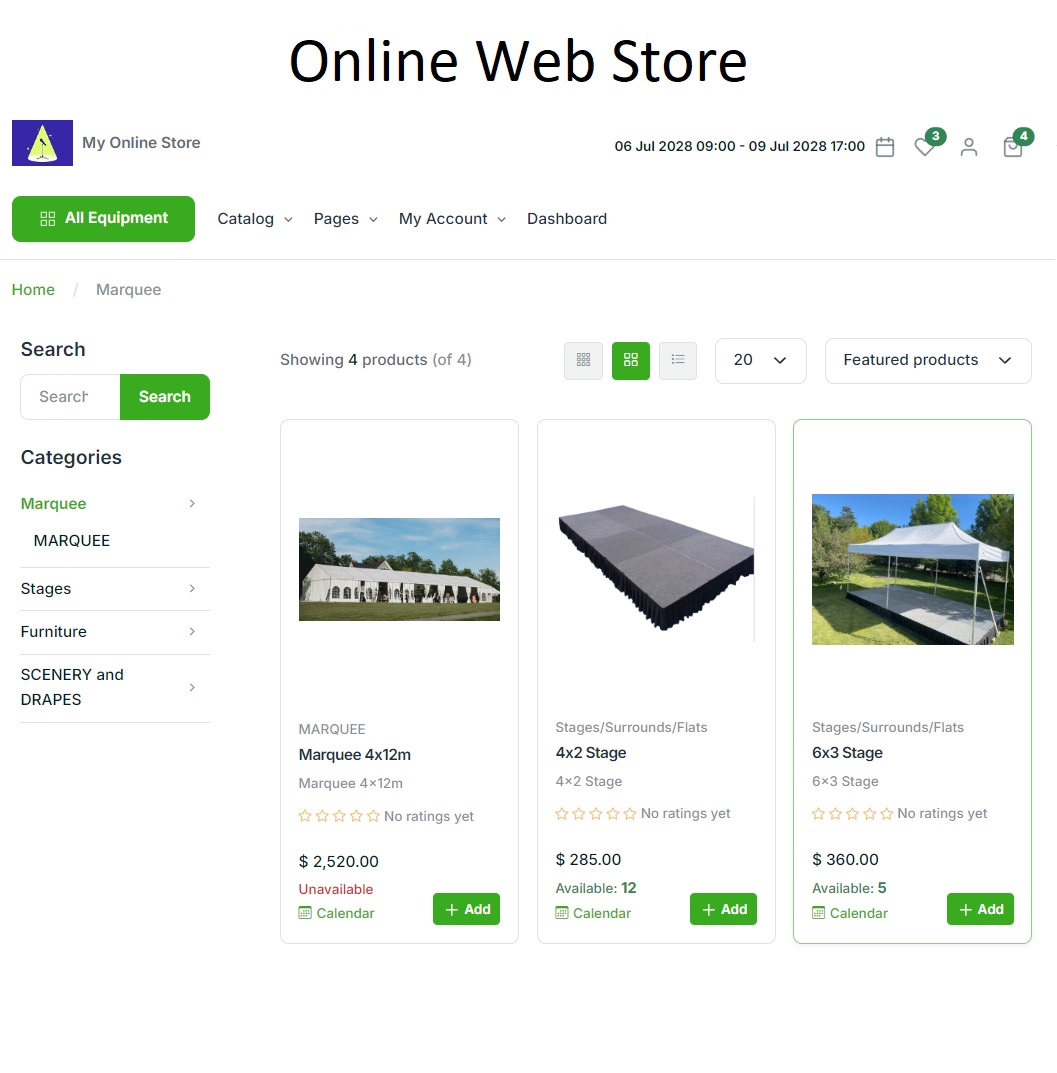
RentalPoint Online Rental Store showing an example party rental catalogue
RentalPoint Online Rental Store — example party catalogue

Crew management

Plan the people behind every booking

Assign technicians to tasks and calculate hourly or daily crew charges, including overtime and double time. Keep crew assignments connected to event breakouts.

The Professional Edition technician portal lets technicians view and accept jobs, then record their start and finish times.

Explore crew management

A complete toolkit for your rental business

Explore RentalPoint features for bookings, equipment scheduling, warehouse preparation, crew, purchasing and reporting.

RentalPoint editions

Choose the right edition for your business

Compare three RentalPoint editions and choose the right starting point for your business.

Prices are in USD per month. Yearly prices apply when paid yearly.

Included with every package

  • Unlimited support
  • Automatic updates
  • Daily backup

For pricing in your region, email sales@rentp.com.

Questions, answered

Frequently asked questions

What makes RentalPoint suitable for AV rental companies?

RentalPoint supports serialized inventory, kits and components, equipment scheduling, preparation time, cross-rentals, crew, breakouts, electronic picking, delivery logistics and job documentation—core workflows for AV and production rentals.

Can RentalPoint calculate technician charges?

Yes. Crew can be priced using hourly or daily structures, standard time, overtime and double time, including minimum shift hours. Technician portal features require Professional Edition.

How does RentalPoint manage equipment shortages?

Teams can use alternatives, cross-rentals, purchase orders, branch transfers and quick-turnaround scheduling to cover shortages while keeping the change connected to the job.

Run equipment, crew and production jobs from one platform

Give sales, warehouse and technicians a connected view of every show commitment.