
AV & technology rentals

Computer Rental Software

RentalPoint helps computer rental businesses check real-time availability and avoid overbooking a device or configuration. Manage serialized devices, accessories, preparation, check-out, return and maintenance, keeping each laptop, workstation, tablet or display connected to its rental history.

Explore device rental features
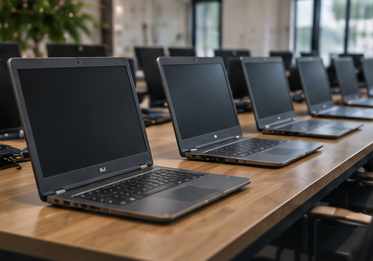
Rows of rental laptops with inactive screens on preparation tables
Check the complete equipment packageConfigurations, kits and accessories
Optional Online Rental Store - Take rental bookings 24/7

Computer rental software for detailed device fleets

Reserve complete technology packages

A successful computer rental depends on more than the main device. RentalPoint keeps hardware, specifications and supporting accessories organized as one bookable package.

Build configuration-based kits

Organize devices by type or specification and add required components or optional accessories such as chargers, keyboards, mice, stands, cables and cases. Alternatives help the team supply a suitable substitute when a configuration is unavailable.

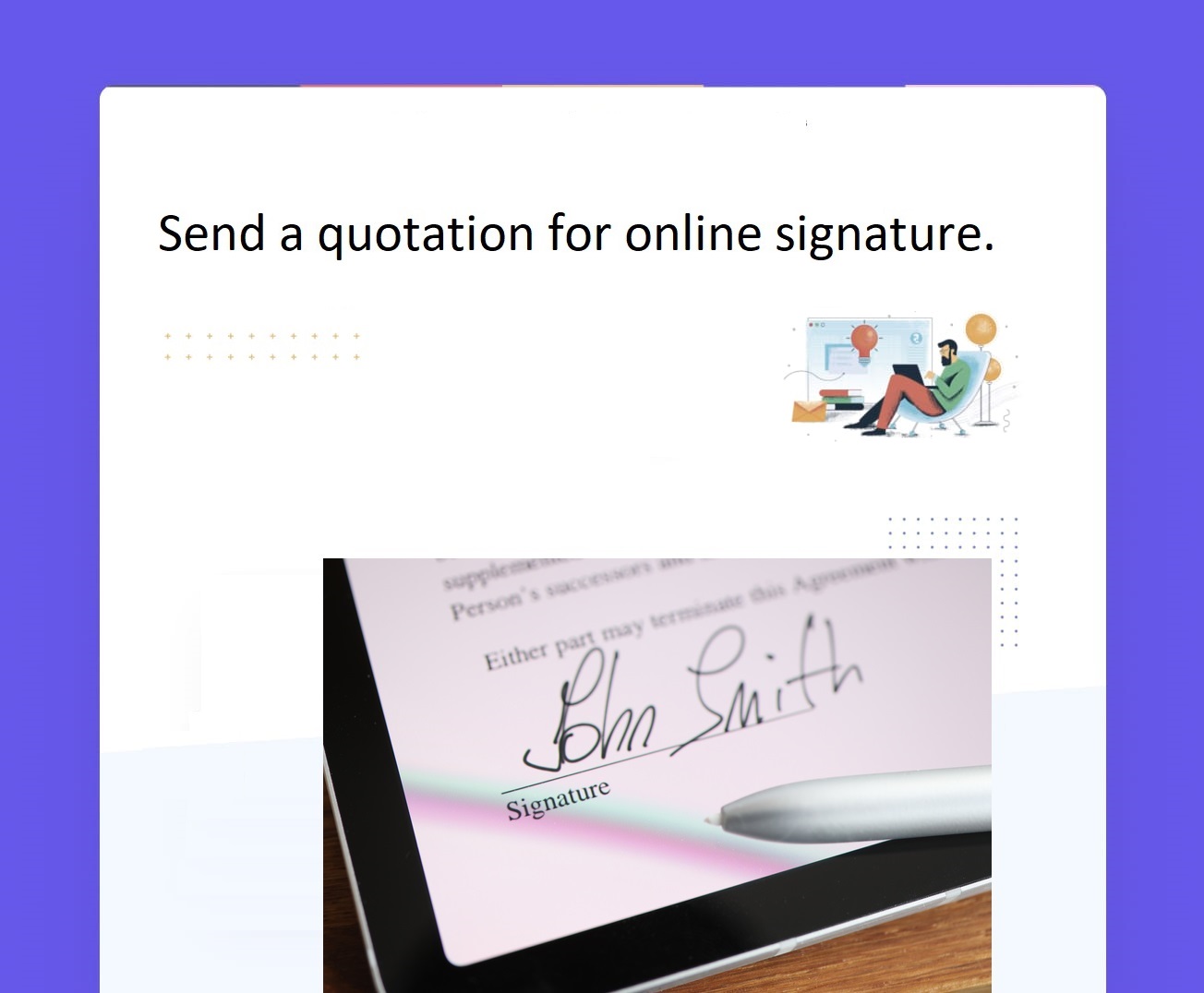
RentalPoint illustration of a quotation being signed online
RentalPoint online-signature illustration

Track devices individually

Maintain serialized asset records and use barcode or QR code tracking for laptops, desktops, tablets, displays and other high-value technology. Scan devices through electronic pick, check-out and return workflows using a phone, tablet or scanner.
Protect imaging and testing time

Use preparation time for device configuration, testing and kit assembly. De-preparation and maintenance downtime can hold returned units while data, software, cleaning or repair processes are completed.

Connected operations

Keep every booking traceable

  • Create quotes and orders quickly with exact devices, accessories, dates and rates.
  • Use booking statuses to manage tentative and confirmed allocations.
  • Send quotes and contracts immediately, with optional online deposit collection to suit the booking.
  • Transfer devices between branches with the Multi Location add-on.
  • Keep packing lists, invoices and return documents with the rental.
  • Review utilization to understand which configurations are in demand.

Your rental workflow

From configuration request to checked return

01

Define the requirement

Select device type, specification, quantity, dates and supporting accessories.

02

Allocate inventory

Reserve serialized units and any quantity-tracked components.

03

Prepare and deploy

Configure, test and scan devices before customer pickup or delivery.

04

Return and reset

Check devices back in and hold them for reset, inspection or maintenance.

Support business, event and production technology rentals

Use RentalPoint for standalone computer hire, conference device packages, temporary workstations or technology supplied alongside AV and event inventory. Browser access supports the rental desk and warehouse, while reports and document management keep activity visible across the operation.

Optional Online Rental Store

Take rental bookings online 24/7

Let customers browse the laptops, workstations and device packages you offer online, choose rental dates and book anytime. Keep technology rental bookings open while your team prepares devices or is away from the rental desk.

Available with RentalPoint’s Online Rental Store add-on.

Explore the Online Rental Store
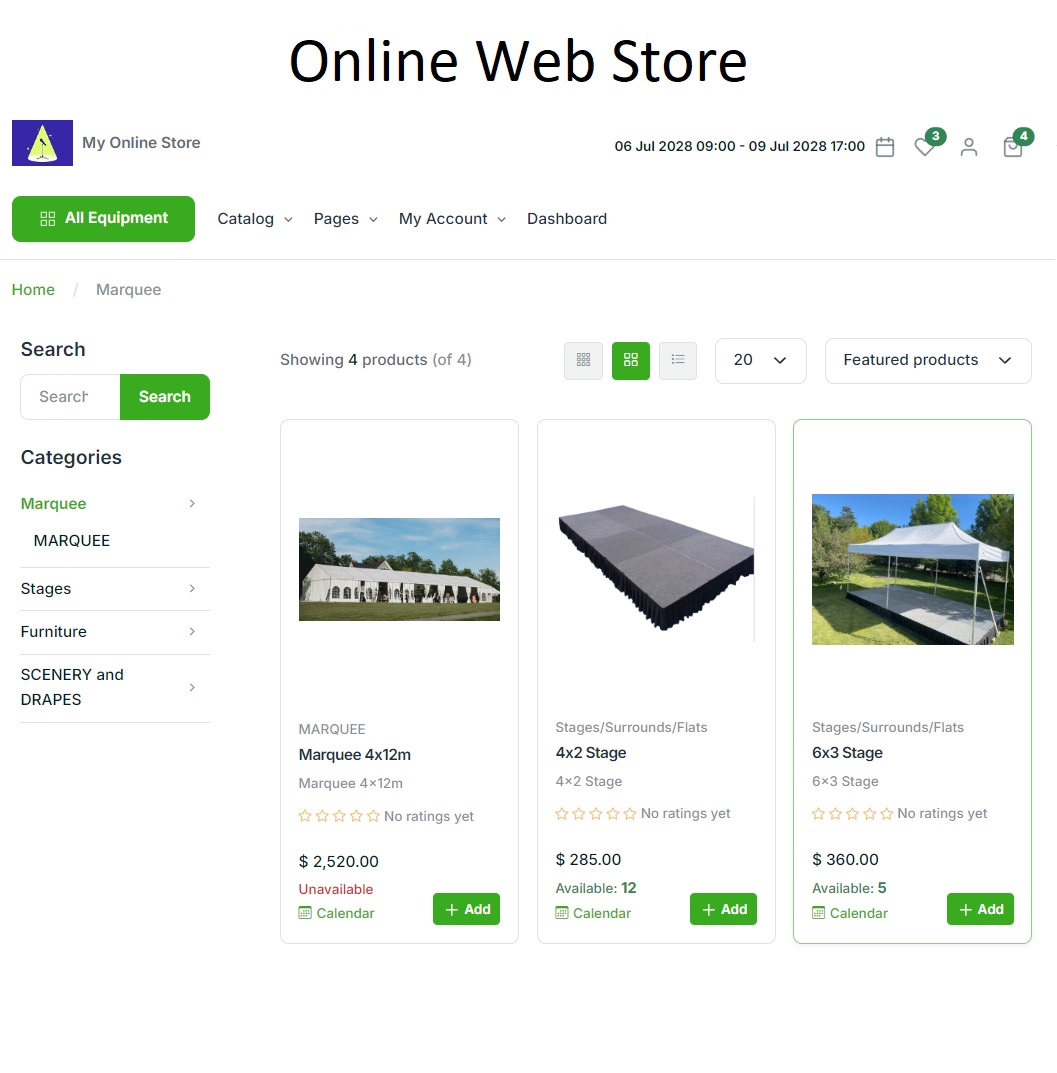
RentalPoint Online Rental Store showing an example party rental catalogue
RentalPoint Online Rental Store — example party catalogue

A complete toolkit for your rental business

Explore RentalPoint features for bookings, equipment scheduling, warehouse preparation, crew, purchasing and reporting.

RentalPoint editions

Choose the right edition for your business

Compare three RentalPoint editions and choose the right starting point for your business.

Prices are in USD per month. Yearly prices apply when paid yearly.

Included with every package

  • Unlimited support
  • Automatic updates
  • Daily backup

For pricing in your region, email sales@rentp.com.

Questions, answered

Frequently asked questions

Can RentalPoint track computers by serial number?

RentalPoint supports individual asset tracking with barcode or QR code scanning, allowing specific devices to be allocated, checked out and returned.

Can accessories be included automatically?

Products can include required components and optional accessories, helping staff add chargers, cables, peripherals and cases to a device package.

Can preparation time be reserved before a computer rental?

Yes. Preparation and de-preparation time can be added around the rental period, while maintenance downtime can hold a device requiring service.

Make every device booking complete and traceable

Connect computers, configurations, accessories and return processes in one rental platform.